Toolr: Time Clock Calculator
- 3.3
- Rating
- 50.00K
- Installs
- Free
- Price

 Analysis by App-foxy
I approached Toolr: Time Clock Calculator as a simple business utility rather than a full workforce-management system. Its purpose is easy to understand: record when work starts and ends, then use those times to keep a clearer account of hours worked. That makes it appealing if you are tired of writing shifts on paper or trying to reconstruct a week from memory. I found the app most useful when I treated it as a focused time card, not as an all-in-one payroll platform.
Toolr, Inc. is the developer behind this free Android app, which sits in the business category and is suitable for Everyone. It has been available since December 7, 2016, and the current version is 3.1.2. The app has passed 50 thousand installs, while its average rating is 3.3 from 91 ratings and 29 reviews. Those figures suggest a product with a real user base but also a mixed experience, so I would not install it expecting the polish or depth of a large enterprise service.
Getting from installation to a useful first time card
I’d use the first shift as a low-stakes test rather than trying to configure a whole work history at once. Start by deciding what counts as the beginning and end of your work period, then compare the recorded times with a quick note you keep for yourself. That makes the first time card useful not just as a record, but as a way to see whether this simple routine suits your day.
You May Also Like

 Blood Strike: 2.5 Anniversary
Blood Strike’s Loadouts Turn Every Drop Into a Tactical Gamble
A close look at Blood Strike’s custom loadouts: how fast access to signature weapons reshapes its battle royale rhythm, rewards preparation, and narrows the gap between fights.

 Pandora - Music & Podcasts
Pandora’s Music Is Easy to Start, but Harder to Recover
Pandora’s strength is its low-effort path from a seed to a station. Its weak spot is how much confidence it asks you to place in connection, setup, and quiet recovery.

 8 Ball Pool
8 Ball Pool Is Built on Rivalries, Rematches, and Routine
A close look at the rivalries, rematches, shared routines, and unanswered safety questions that turn a quick pool match into a persistent mobile community.

 Samsung Music
Samsung Music’s Quiet Strength Is Playing What You Already Own
Its reach comes less from spectacle than from dependable access to a personal library. That simplicity is both the app’s strongest retention engine and its ceiling.

 AccuWeather: Weather Radar
AccuWeather Review: A Quick, Clear Forecast for Everyday Decisions
For everyday plans, the best forecast is the one you can understand quickly. AccuWeather makes rain timing, radar, and local conditions easy to act on, with a few trade-offs.

 Hill Climb Racing
Why Hill Climb Racing Still Turns Crashes Into One More Run
A tiny car, a bumpy hill and one more upgrade: Hill Climb Racing keeps resurfacing because its simple chaos makes every near-miss feel personal.
More From Our News Desk
View All News


What to expect when you open it
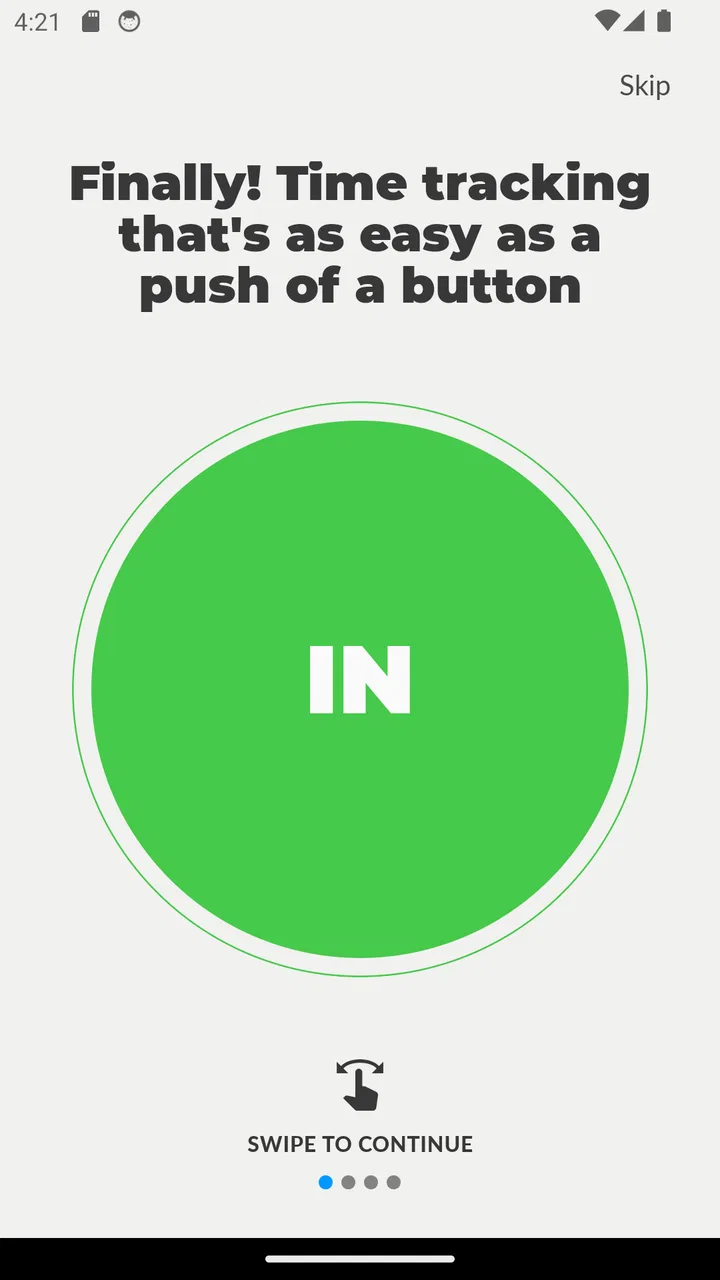
The best way to understand this app is to imagine a small, repeatable routine. You begin work, clock in; you finish, clock out; later, you check the recorded work period and use it to understand your hours. The appeal is the short path between an action and a result. There is no need to build a complicated project, invite a team, or learn a large dashboard before the app becomes useful.
That simplicity is also the main trade-off. Someone looking for employee scheduling, detailed payroll exports, leave management, invoicing, or a broad collection of workplace reports may find the experience too narrow. Toolr is better suited to the first layer of time tracking: creating a dependable record of when work happened. I would recommend it to an individual worker, a small shop owner, or a manager who needs a lightweight clock-in and clock-out habit.
The app is free to install, although in-app purchases range from $9.99 to $349.99 per item. I would therefore look carefully at any upgrade screen before confirming a purchase and decide whether the basic workflow already covers your needs. For a person who only wants a straightforward personal time card, the free starting point is the important part of the evaluation.
Setting up a routine instead of overthinking the setup
My advice for a first-time user is to start with one ordinary workday. Do not try to recreate an entire month immediately. Open the app shortly before your shift begins, identify the clock-in action, and use it at the moment work actually starts. At the end of the shift, return to the same workflow and clock out. This gives you a meaningful test without filling the app with guesses or old information.
A useful habit is to make the clock action part of an existing transition. For example, clock in after putting your bag down and clock out before leaving the workplace. If you work remotely, connect it to the moment you open your work materials and the moment you close them. The app becomes more reliable when it is attached to a physical or digital routine rather than left to memory.
I would also avoid using approximate times during the first trial. The point of the first entry is not to produce a perfect report; it is to see whether the recording process fits naturally into your day. If the action feels quick enough to repeat, you have already learned something more useful than a long tour of settings.
Your first successful action
The first success is not simply opening the app. It is completing one full cycle: clocking in, doing the work, and clocking out. That cycle shows whether the app can support your actual behavior. A time tracker can look clear in a store description and still be inconvenient if the key action is hard to find when you are busy, so I would judge Toolr by this complete loop.
Try the test on a normal shift rather than on a quiet weekend. If you work in a café, clock in when you begin preparing the counter, then clock out after closing tasks are finished. If you drive between customer visits, you may need to decide whether the app is recording your whole work period or only the time spent at a particular location. That distinction matters because a single clock-in and clock-out pair does not automatically explain every part of a complicated day.
This is one of the app’s less obvious strengths: it encourages you to define your workday in a consistent way. The same definition used every day is more valuable than a detailed system used only occasionally. Before relying on the totals, decide whether breaks, travel, preparation, and cleanup belong inside your recorded period. Toolr can help preserve the times you enter, but the quality of the result still depends on the rule you follow.
Where new users may become confused
The phrase “work hours calculator” can lead people to expect a complete payroll calculation. I would keep expectations narrower. A recorded work period can help you review hours, but it should not automatically be treated as proof of wages, overtime, tax treatment, or employer-approved attendance. Those decisions depend on workplace rules and local requirements, not just on the time shown in an app.
Breaks are another point that deserves attention. If you leave for lunch and simply leave the work session running, your total may represent the time between arrival and departure rather than the time actually worked. If your workplace requires unpaid breaks to be excluded, you need a consistent method for handling them. The practical tip is to test one shift with a break and inspect the result before making the app part of your official record.
Overnight work can also make a simple clocking habit feel less obvious. A shift that starts on one day and ends on the next should be checked carefully in the app so you understand how the recorded period is presented. I would not assume that every unusual schedule is handled exactly as you expect without trying a real example first.
Another common mistake is forgetting to clock out. This is not a reason to dismiss the app, but it is a reason to build a correction habit. Check the previous work period when you next open the app. If an entry looks wrong, fix it promptly if the interface allows you to do so, or at least note the actual time while it is still fresh. Waiting until the end of the week makes small errors much harder to untangle.
How I would use it during a busy week
For a regular employee, I would use Toolr at the beginning and end of each shift, then perform a short review at the end of the week. That review is where the app moves beyond a button for clocking in and becomes a practical record. Look for missing days, unusually long periods, and entries that do not match your own notes or workplace schedule.
For a small business owner, I would be more careful about treating the app as the only attendance system. It may be convenient for a small operation where one person needs a quick record, but a growing team usually needs clearer controls, shared visibility, permissions, approvals, and payroll-oriented reporting. If those requirements are central, a dedicated workforce platform is likely a better choice even if it takes longer to set up.
For freelance work, the decision depends on how you bill. If you charge for a broad working session, clocking in and out can provide a useful estimate. If you need separate time records for several clients, tasks, or billable categories during one day, a project timer may be more suitable. Toolr’s appeal is its low friction; that same focus may become restrictive when your work needs multiple labels.
Useful comparisons with familiar alternatives
The closest alternative is still a paper notebook or a spreadsheet. Those options are flexible and easy to explain, but they depend heavily on remembering to write down the time and keeping the format consistent. Toolr’s one-tap approach is more convenient at the moment a shift begins or ends. A spreadsheet becomes stronger when you need custom formulas, notes, or detailed summaries, while Toolr is more attractive when the priority is quick entry.
A calendar is another common substitute. Calendars are excellent for planned shifts and appointments, but a planned start is not always the actual start. Toolr is aimed at capturing the work period itself, which can make it a better companion to a calendar when your schedule changes. I would not use it as a replacement for a calendar if you need reminders about upcoming shifts.
Dedicated time-tracking services usually offer more structure for clients, projects, teams, and reports. They can be the better choice for agencies, contractors with several customers, or managers who need approval workflows. Toolr makes more sense when those layers would feel like unnecessary work. The trade-off is clear: you gain a simpler first action, but you may outgrow the app once your time records need more context.
Three practical habits that improve the results
- Use a two-check review: confirm the start time when you clock in and confirm the end time before you leave. This small pause catches forgotten actions before they become weekly problems.
- Test your break rule: decide whether breaks are included or excluded, then apply that decision the same way every day. Consistency makes the recorded hours easier to interpret.
- Keep a short backup note during the trial: for the first few shifts, write down the actual start and finish times elsewhere. This lets you compare your routine with the app and reveals whether you are forgetting actions or misunderstanding the recorded period.
These habits are especially useful because a clock-in tool can create an impression of accuracy without guaranteeing it. The app records the actions you make; it cannot know that you arrived late, forgot to stop for lunch, or continued working after leaving the building unless your entries reflect those events.
Privacy, reliability, and choosing the right level of trust
Time records can affect pay discussions and personal planning, so I would treat them as important even when the app feels casual. Review your entries regularly instead of assuming that a single tap has solved the entire record-keeping problem. If your employer requires an official system, use that system as the authoritative source and treat Toolr as a personal aid unless your workplace explicitly accepts it.
I would also test the app under the conditions in which you actually work. If your day involves poor connectivity, frequent interruptions, overnight shifts, or several short work periods, do not judge it only from a calm setup session. A simple tool is valuable when it survives ordinary distractions. If it repeatedly makes you wonder whether an action registered or how a period was calculated, that uncertainty may outweigh the convenience.
The current version, 3.1.2, is a useful detail to check when troubleshooting or comparing your experience with another user’s. If the interface differs after an update, rely on the visible controls in your installed version rather than an old instruction. I would keep the first week deliberately simple so that any confusion is easy to identify.
Who should install it, and who should skip it
I think Toolr is a reasonable starting point for someone who wants a quick personal record of work hours and does not need a large collection of business features. It can suit hourly workers, solo operators, and very small teams that mainly need a clock-in and clock-out routine. The free entry point also makes it easy to test before deciding whether a paid option is worthwhile.
I would skip it if you need payroll processing, legally structured attendance records, detailed project billing, advanced team administration, or a dependable approval trail. I would also choose a different tool if your workday is divided among many clients or tasks and you need to know exactly how long each one took. In those situations, the simplicity that helps a first-time user may become a limitation.
The mixed average rating reinforces my own cautious recommendation: try it with a real but non-critical week first. Do not make it the sole source for a payroll dispute or an important invoice until you understand how its workflow fits your schedule. A short trial can answer the questions that matter most: can you clock in quickly, can you remember to clock out, and can you interpret the resulting record without extra effort?
My final take after using the workflow
Toolr: Time Clock Calculator succeeds when the problem is simply, “I need an easier way to mark the beginning and end of work.” Its focused design gives a first-time user a reassuring path from installation to a meaningful result: record one shift, review it, and repeat the habit. I like that it does not require a complicated system before it can be useful.
At the same time, I would not confuse a convenient time card with a complete business record. Breaks, overnight schedules, missed clock-outs, and multi-client work all require judgment from the person using it. If you accept that responsibility and want a lightweight tool, it is worth trying. If you need detailed controls or formal workforce management, move directly to a more specialized alternative.
My recommendation is to begin with one ordinary shift, keep a temporary comparison note, and review the result before relying on it. That small test will tell you more than the app’s simple premise: whether its quick clocking routine genuinely fits the way you work.
FAQs for Toolr: Time Clock Calculator
01What is Toolr: Time Clock Calculator used for?
Toolr: Time Clock Calculator is designed to help users calculate working hours, shift durations, breaks, overtime, and total time between clock-in and clock-out entries. It can be useful for employees, freelancers, contractors, students, and small business owners who need a quick way to check timesheets or estimate pay-related hours without doing manual calculations.
02Can Toolr calculate overtime, breaks, and overnight shifts?
The app is intended for practical time calculations, including subtracting unpaid breaks and working with shifts that pass midnight. Depending on the version and device, available options may include overtime calculations or configurable work schedules. Before relying on the results for payroll, users should verify the app’s settings carefully, especially when entering overnight shifts, split shifts, rounding rules, or different overtime thresholds.
03Is Toolr: Time Clock Calculator suitable for payroll and employee timesheets?
Toolr can be helpful for preparing or checking timesheet information, but it should generally be treated as a calculation aid rather than a complete payroll system. It may not handle taxes, benefits, labor-law requirements, approvals, employee databases, or payroll exports in the same way as dedicated business software. Always review calculated hours manually before submitting them to an employer or using them for payment.
04Does Toolr store or require access to personal information?
A time calculator normally needs only the information you enter, such as start times, end times, breaks, and hourly rates if supported. However, privacy practices can vary between app versions and platforms. Before downloading, check the store listing and the developer’s privacy policy for details about data collection, analytics, advertising, cloud synchronization, and whether entries remain locally on your device or are transmitted to external services.
05Is Toolr: Time Clock Calculator free to download, and does it work offline?
Availability, pricing, advertising, and premium features may differ between the Android and iOS versions of Toolr. Basic time calculations may be available without a subscription, while advanced tools could require payment or include ads. Many calculations can typically be performed without an internet connection, but users should confirm the current store description because features, offline access, and in-app purchase requirements may change with updates.
Pros
- Quickly calculates total hours from clock-in and clock-out times.
- Supports break deductions for more accurate work-hour totals.
- Useful for freelancers
- employees
- and small business owners.
- Simple interface makes everyday time tracking easy to understand.
- Helps estimate overtime and pay-related totals without complex setup.
Cons
- May lack advanced scheduling and employee management features.
- Manual time entry can lead to inaccurate results if details are mistyped.
- Some features may require payment or contain advertising.
- Not ideal for teams needing cloud sync or shared timesheets.
- Limited reporting options may be insufficient for payroll documentation.

Toolr: Time Clock Calculator
Gallery